Share
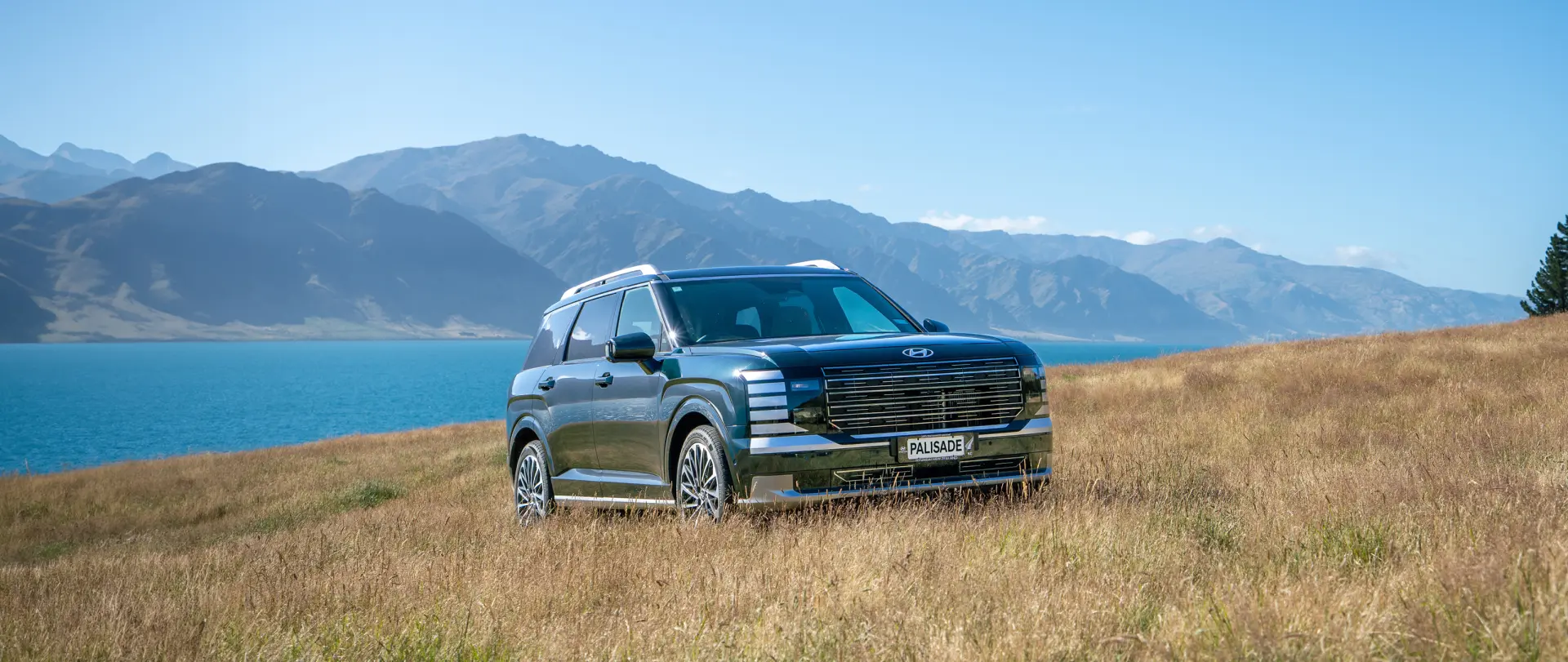
Hyundai SmartSense Explained
Safety & Driver Assistance
Hyundai SmartSense Safety Technology: How It Helps Support You on the Road
Hyundai SmartSense™ is Hyundai’s suite of advanced driver-assistance and active-safety technologies. Using cameras, radar and other sensors, available SmartSense features can help drivers identify potential hazards, provide alerts and - in certain situations - assist with braking or steering.
What is Hyundai SmartSense?
Hyundai SmartSense is a collection of technologies designed to help make everyday driving safer and less stressful.
Depending on the vehicle, SmartSense can help with situations such as:
- Detecting a vehicle, cyclist or pedestrian ahead
- Monitoring blind spots when changing lanes
- Helping you stay within your lane
- Alerting you to cross traffic while reversing
- Maintaining a selected distance from traffic ahead
- Notifying you if it detects signs of driver fatigue or inattention
- Adjusting high-beam headlights around other road users
These systems use information from sensors and cameras around the vehicle. Their operation can be affected by weather, road markings, dirt or damage on sensors or cameras, traffic conditions and other factors.
Forward Collision-Avoidance Assist
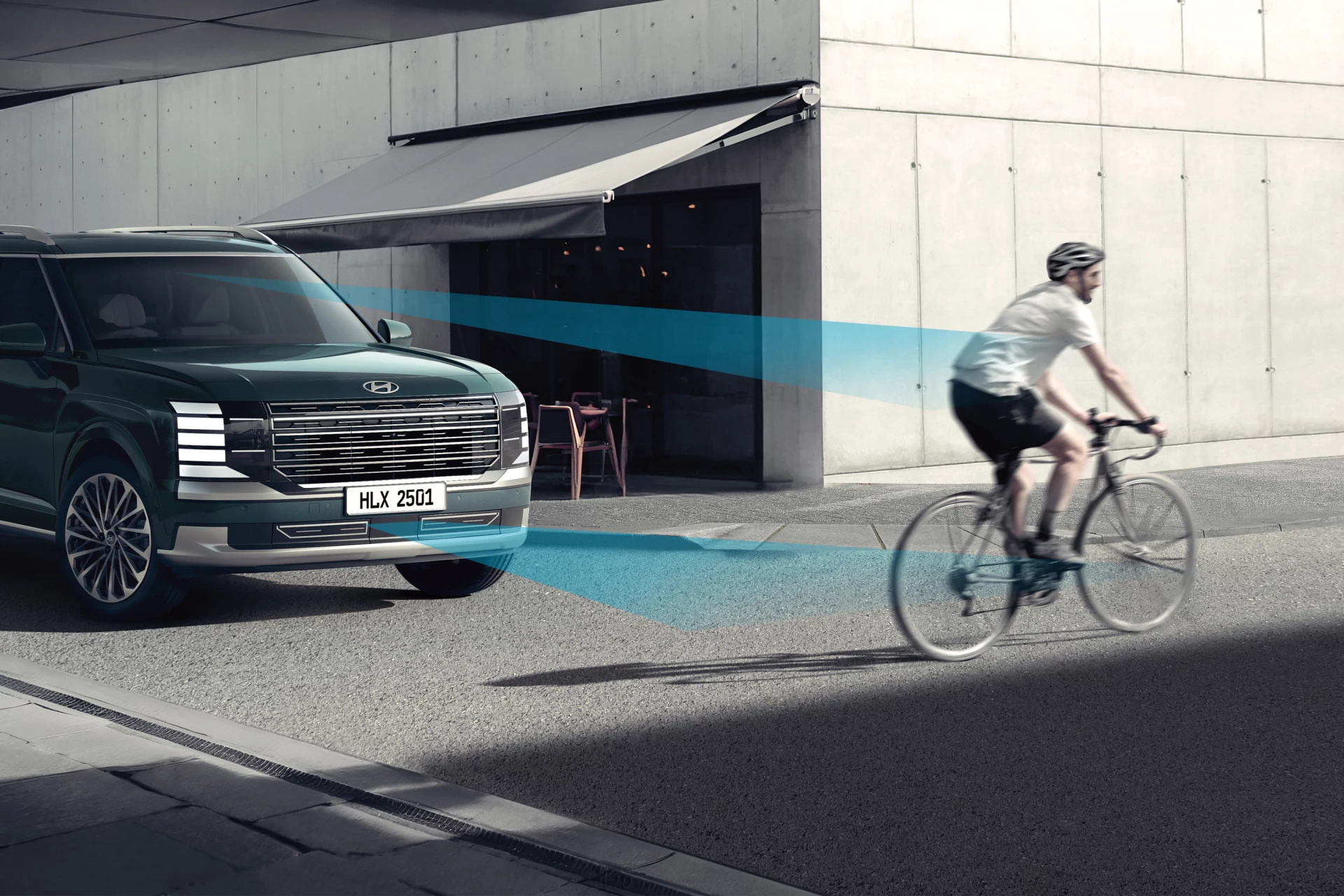
Forward Collision-Avoidance Assist, or FCA, monitors the road ahead using a camera and, on some vehicles, radar.
If the system detects a potential collision risk with a vehicle ahead - and, depending on the Hyundai model, a pedestrian or cyclist- it can warn the driver. If the driver does not respond and the system determines braking support is required, FCA may apply emergency braking to help avoid a collision or reduce its severity.
FCA is an assistance feature. It may not detect every object, road user or situation, and drivers must remain attentive and ready
Blind-Spot Collision Warning and Blind-Spot Collision-Avoidance Assist
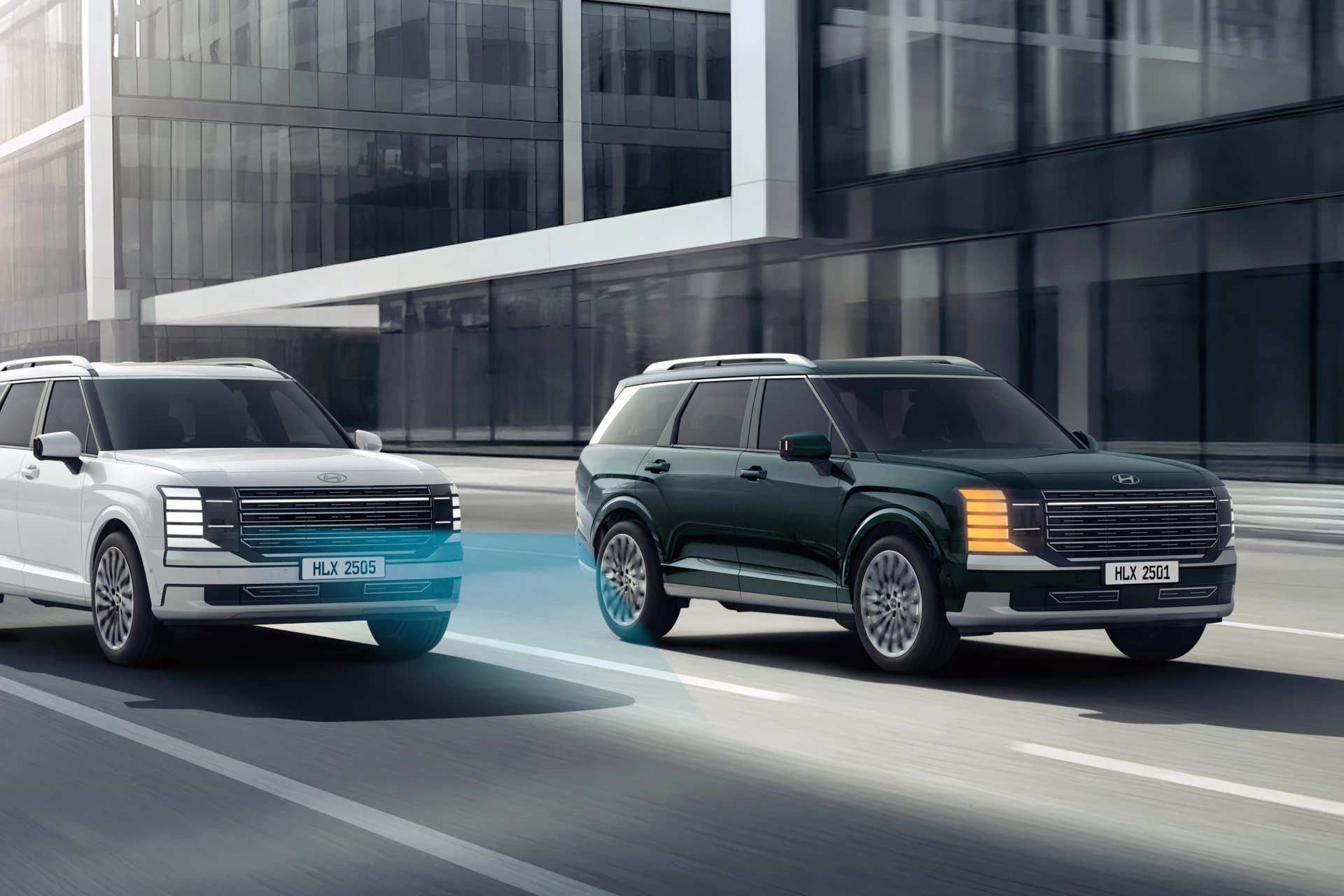
Blind-spot technology helps alert the driver when another vehicle is detected in an area that can be difficult to see in the mirrors.
On some Hyundai models, Blind-Spot Collision Warning provides visual and audible alerts if another vehicle is in the blind spot - particularly when the driver signals a lane change.
More advanced versions, known as Blind-Spot Collision-Avoidance Assist, may also provide braking or steering assistance if the system detects a potential collision risk during a lane change.
Drivers should always check mirrors, look over their shoulder where appropriate and ensure it is safe before changing lanes.
Rear Cross-Traffic Collision Warning and Collision-Avoidance Assist
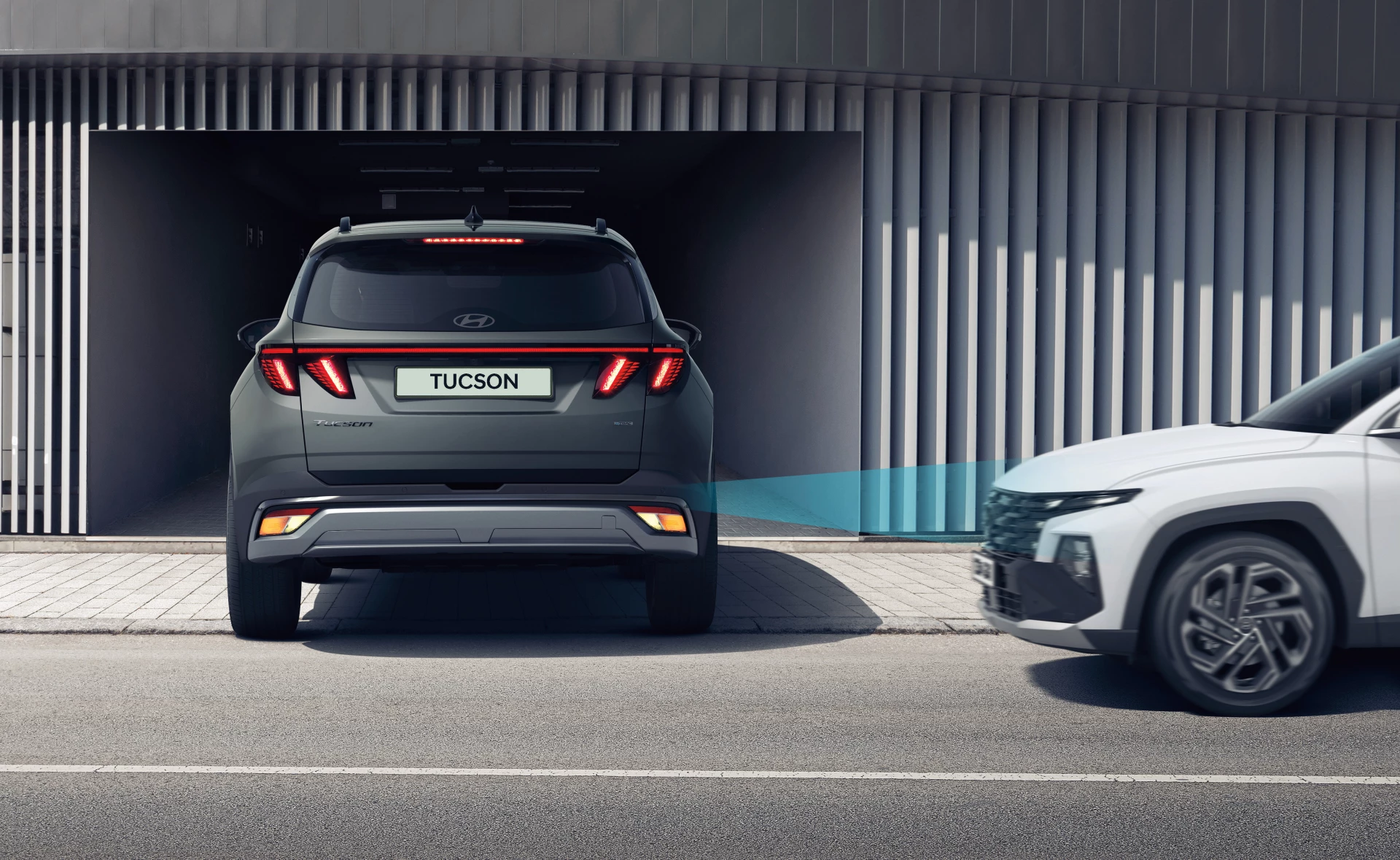
Reversing out of a busy car park can make it difficult to see approaching traffic from either side.
Rear Cross-Traffic Collision Warning, or RCCW, can alert you when it detects a vehicle approaching from the left or right while you are reversing.
On selected Hyundai models, Rear Cross-Traffic Collision-Avoidance Assist, or RCCA, can also provide braking assistance if a collision risk is detected.
This is a helpful extra set of eyes when reversing, but it does not replace the driver’s responsibility to check their surroundings and reverse carefully.
Smart Cruise Control
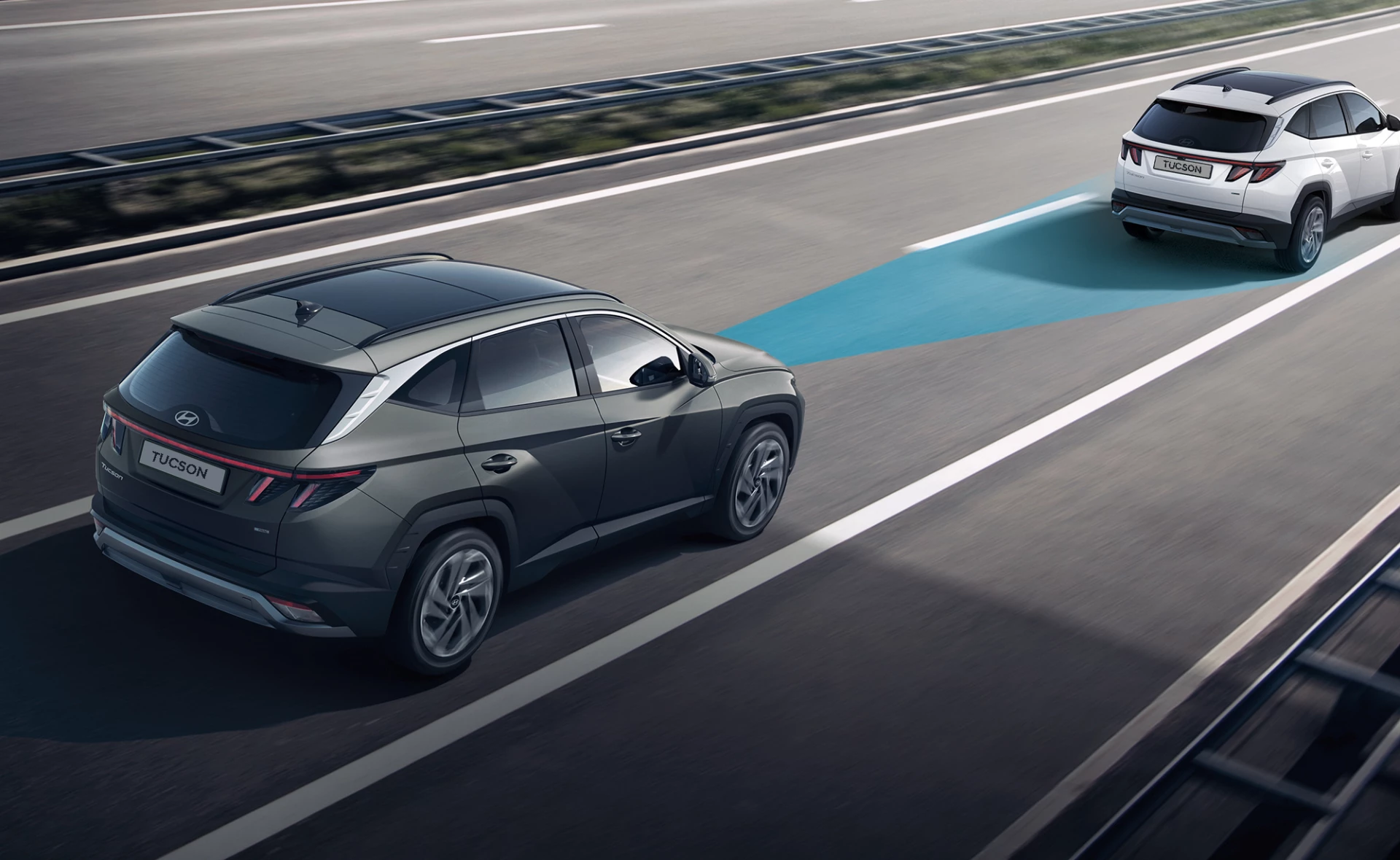
Smart Cruise Control can help maintain a selected speed and following distance from the vehicle ahead.
When traffic slows, the system can help reduce speed. On vehicles with Stop and Go functionality, it can also help bring the vehicle to a stop in congested traffic and, in certain conditions, resume driving when traffic moves again.
Smart Cruise Control is not a substitute for attentive driving. Drivers must remain aware of surrounding traffic, road conditions and the system’s operational limits.
Safety technology works best with an attentive driver
SmartSense technologies are designed to provide additional awareness and support, but they cannot overcome every driving risk.
For the best use of Hyundai safety technology:
- Keep cameras and sensors clean and free from damage
- Follow the instructions in your owner’s manual
- Check your vehicle’s alerts and warning messages
- Drive to the weather, road and traffic conditions
- Never rely on driver-assistance technology instead of paying attention
- Keep both hands on the steering wheel and remain ready to take control
Which SmartSense features does my Hyundai have?
SmartSense availability differs across Hyundai models, grades and model years. Some features may be standard on selected models, while others may only be available on higher grades or as part of a package.
To confirm the safety technology available on a particular Hyundai, review the current model specification page, speak with an authorised Hyundai dealer or book a test drive.
Frequently Asked Questions
Is Hyundai SmartSense self-driving technology?


No. Hyundai SmartSense is a suite of driver-assistance and active-safety technologies. It is designed to support the driver, not replace them. The driver remains responsible for safely controlling the vehicle at all times.
Can Hyundai SmartSense brake the vehicle automatically?
Some SmartSense features, including selected versions of Forward Collision-Avoidance Assist and Rear Cross-Traffic Collision-Avoidance Assist, can provide braking assistance in defined situations. Feature availability and operation vary by model and specification.
Does every Hyundai have the same SmartSense features?
No. SmartSense technology varies by model, variant and model year. Check the specification for the vehicle you are considering.
Can SmartSense detect pedestrians and cyclists?
Selected Hyundai models with Forward Collision-Avoidance Assist can detect certain pedestrians and cyclists in defined conditions. Detection capability varies by vehicle and driving environment, and drivers must always remain alert.
Does Lane Keeping Assist steer the car for me?
Lane Keeping Assist can provide steering intervention to help if the vehicle appears to be unintentionally leaving its lane. It is not self-driving technology, and the driver must remain in control of the vehicle.
Explore Hyundai safety technology
To explore the safety features available on a specific Hyundai, view the latest model specifications or speak with your local authorised Hyundai dealer.